What are the must-have web scraping tools to use in 2026
 Thomas Shultz
AI Summary: This guide frames web scraping as a high-speed digital intern that turns unstructured pages into structured rows, reclaiming hours of manual data entry, and surveys the must-have 2026 tools for tasks like price monitoring and B2B lead generation.
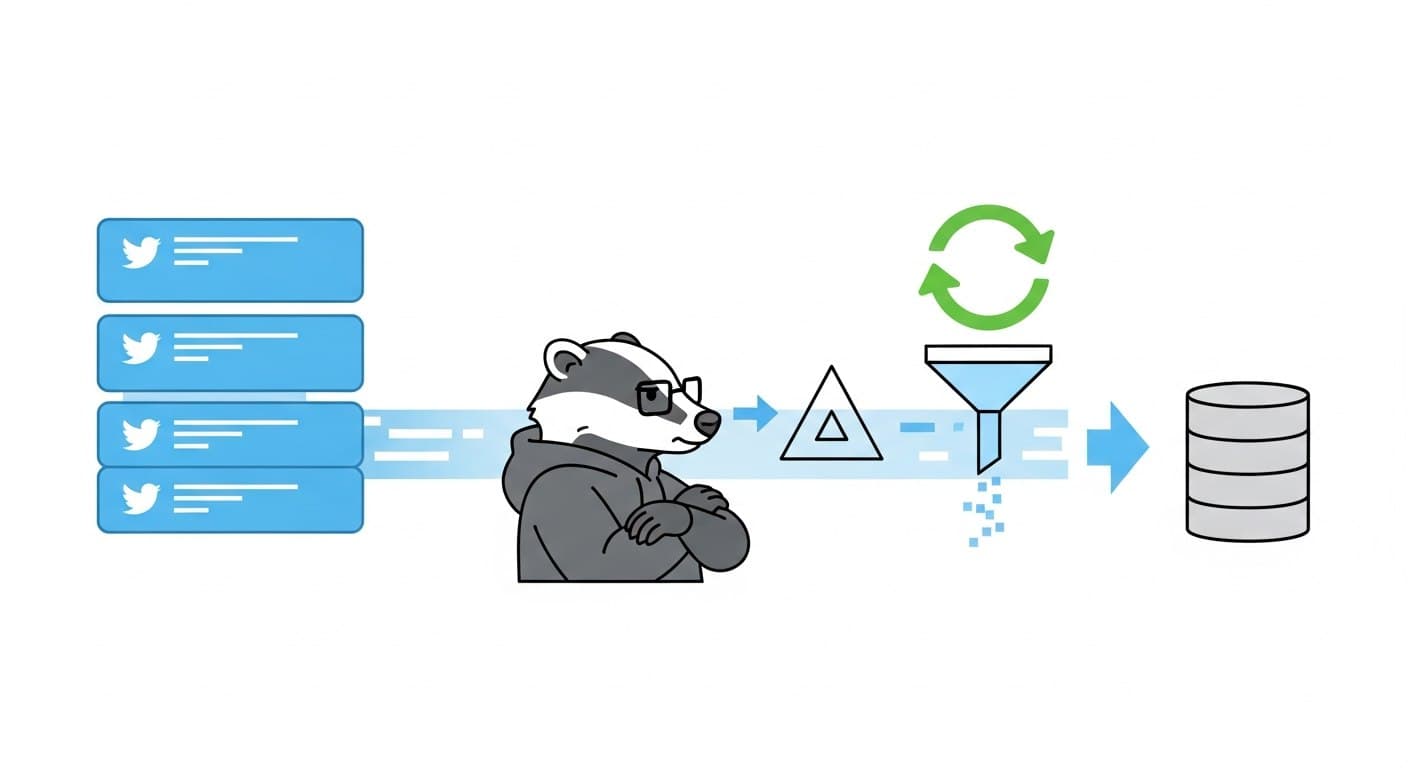
Imagine your first task this Monday is checking fifty competitor websites for unexpected price drops. Staring at endless browser tabs, you resign yourself to hours of manually copying and pasting numbers into Google Sheets. According to productivity research, routine data entry drains up to ten hours weekly for typical business owners. What if a "digital intern" could finish that exact chore in ten seconds while you simply pour your coffee?
This automated magic is called web scraping, which operates as high-speed, automated copy-pasting. Most of the internet exists as a massive, unstructured display of text and images missing a crucial "Export to Excel" button. Modern data extraction tools bridge that gap perfectly, instantly organizing messy web pages into the neat, structured rows and columns you already recognize.
Suddenly, generating fresh B2B leads or gathering hundreds of real estate listings becomes a genuine business superpower rather than a tedious chore. Industry data reveals that teams leveraging automation multiply their market research capacity overnight without hiring extra staff. Exploring the best web scraping tools 2026 has to offer means you finally gain the power to turn any website into a personal, constantly updated database.
Gone are the days when gathering digital intelligence required advanced programming skills. The landscape is rapidly shifting from simple point-and-click browser extensions to smart AI agents that understand plain English commands. Whether you need an easy no-code interface or eventually plan to review the best web scraping libraries for Python 2026 brings to developers, your perfect time-saving solution is already waiting.

The Golden Rules of Web Scraping: How to Gather Data Without Breaking the Internet (or the Law)
Before setting up your new web scraping software, it helps to understand the internet's digital boundaries. Gathering information is a superpower, but ethical scraping relies on sticking to public domain data—details anyone can view without logging in, like store prices or public business directories. Navigating the legal considerations for automated data extraction mostly requires common sense and respect for the digital property of others.
Much like a physical store uses "Employees Only" signs, websites use a hidden guide called a "Robots.txt" file. By typing "/robots.txt" at the end of any web address, you can see a simple text document explaining exactly what automated tools are allowed to look at. To keep your access safe and avoid getting blocked, always follow this polite gathering checklist:
Pace your clicks: Implement "rate limiting," which forces your tool to pause for a few seconds between pages so you don't crash the website's servers.
Check for an API: See if the website already offers an official, friendly way (an API) to download their data before you build a custom scraper.
Protect privacy: Avoid gathering sensitive personal information or trying to bypass login screens to reach private user data.
Operating within these guardrails ensures you get the competitive data you need without triggering security alarms. Browser extensions offer the fastest way to extract lead lists for non-coders.
Instant Results for Non-Coders: Why Browser Extensions are the Fastest Way to Extract Lead Lists
Finding a directory of 500 perfect sales leads is thrilling until you realize you must manually copy every single name and phone number. Instead of wasting hours on data entry, you can install no-code web scrapers for non-programmers directly into Chrome. These lightweight add-ons quickly transform your browser into a high-speed data assistant.
Mastering the "Select and Scrape" workflow feels remarkably like magic. You simply activate the extension and use "point-and-click training", literally clicking on the first piece of information you want, like a real estate price. The tool instantly recognizes these specific data elements and highlights every matching price on the screen, learning exactly what to extract without any coding.
When choosing your browser automation tools for data mining, you can select from several powerful options based on your budget and goals:
Web Scraper (Free): A robust community favorite that exports unlimited data directly to CSV files for zero cost, though it takes a little practice to master.
Data Miner (Freemium): Offers incredibly easy pre-built templates for popular websites and exports to Excel, though the free tier restricts your monthly page limits.
Simplescraper (Paid): A "monitor-ready" premium tool that sends extracted information straight to Google Sheets, perfect for setting up automatic competitor price alerts.
The final hurdle in basic data collection is dealing with "pagination," which is simply the process of navigating a list split across multiple pages. Modern web scraping software handles this effortlessly by letting you click the "Next" button once to teach the tool how to flip through endless pages automatically. However, information trapped inside messy, unstructured text requires a different approach. AI-powered scraping uses natural language to find data beyond rigid structures.
The Rise of AI-Powered Scraping: How 2026 Tools Use Natural Language to Find Data You Can’t See
Have you ever set up a perfect data-gathering process only to watch it break a week later because a website changed its layout? While point-and-click tools are fantastic for rigid tables, they rely on exact visual placements. When an online store moves its price tag from the left sidebar to the right, a standard tool simply gives up, forcing you to start the training process all over again.
To solve this constant maintenance headache, the newest generation of tools operates entirely differently by letting you ask for what you want in plain English. Instead of clicking on specific elements to create rigid rules, you use automated data parsing with large language models—the same underlying technology that powers tools like ChatGPT. You simply type a command like, "Find the CEO's name and email," and the system acts as an intelligent digital intern rather than a blind clicking machine.
This ability to read context fundamentally changes how we handle messy, unpredictable information across different sites. Because these advanced AI-powered web scraping software features understand the actual meaning behind words, they can identify a price whether it is labeled as "Cost," "MSRP," or just features a dollar sign buried in a paragraph. You no longer need a perfectly uniform layout across fifty competitor pages; the AI scans the text, understands the context, and perfectly structures the data for your spreadsheet.
Even more impressive is how these intelligent systems adapt when websites actively hide information behind interactive loading screens. When scraping dynamic content using headless browsers—which are essentially invisible robot web surfers that load complex pages exactly like human eyes do, the AI acts as a "self-healing" scraper. If a site unexpectedly updates its design or moves a critical button, the tool intuitively searches for the new location of the target data, fixing itself instantly so your daily reports never miss a beat.
Handing data interpretation over to artificial intelligence removes the technical friction of keeping your information pipelines running smoothly. Once an intelligent system understands what data to extract, the next decision is where that software should physically operate, whether on a local machine or external servers.
Cloud vs. Desktop Scrapers: Choosing Between Hands-Off Automation and One-Time Data Dumps
After instructing your new AI assistant to pull pricing from 500 competitor pages, where does that heavy lifting actually happen? When conducting a cloud-based vs desktop scraping tools comparison, the answer dictates whether your computer is tied up for hours or free to do other work. Desktop scrapers run directly on your personal machine, making them perfect for quick, one-time data dumps. However, if you close your laptop or lose your Wi-Fi connection, the data extraction stops instantly.
Moving your operations to external servers completely changes the game for continuous data gathering. Cloud tools act as an always-on digital headquarters, unlocking the power of 'scheduling'—you can tell the system to run every morning at 3 AM while you sleep. This is essential for real-time website monitoring and data alerts. To choose your ideal setup, consider this quick decision matrix based on your workflow needs:
Cost: Desktop tools are often cheaper upfront, whereas the cost of enterprise web scraping services in the cloud involves ongoing subscriptions that pay for reliability and maintenance.
Speed: Desktop extraction relies on your local memory, but external servers process thousands of pages instantly without slowing down your actual workday.
Set-and-Forget Capability: Cloud platforms win easily for true hands-off automation, while desktop options require you to manually launch the software every time.
Once you decide where your digital intern lives, your data pipeline is nearly complete. The cloud ensures your gathered information persists safely on a server, meaning you never lose a massive spreadsheet to a random computer crash. Whether utilizing a local download or a server-based powerhouse, automated visitors inevitably encounter website blocks. Bypassing these digital roadblocks is crucial to keeping data gathering completely invisible.
Bypassing Digital Roadblocks: How Proxy Rotation and Anti-Bot Tools Keep Your Scraping Invisible
Hitting "start" on your automated data collector, expecting hundreds of competitor prices, only to receive a blank screen screaming "403 Forbidden" is incredibly frustrating. This error happens because websites easily notice when a single visitor acts like a hyperactive speed-reader. Since every internet connection has a unique digital location tag, an IP address—the website simply spots your single IP requesting a thousand pages a minute and instantly slams the door shut to protect its servers.
To keep that door open, your digital intern needs to constantly change its appearance. This is where proxy rotation services for large scale scraping step in, acting like a massive wardrobe of different internet connections. By automatically swapping your IP address after every few requests—especially by utilizing "residential IPs," which borrow the digital addresses of everyday home internet networks—the target website thinks it is greeting thousands of different, regular shoppers rather than one single automated robot.
Even the best disguises will sometimes prompt a cautious website to double-check your humanity, usually by forcing you to identify pictures of bicycles or traffic lights. When your automated workflow hits these visual roadblocks, handling CAPTCHA solving at scale becomes your next absolute necessity. Instead of you sitting at your desk clicking on crosswalks all afternoon, modern anti-bot tools automatically route these puzzles to specialized background services that seamlessly solve them in milliseconds, ensuring your extraction never pauses.
Mastering how to bypass anti-bot detection in 2026 essentially boils down to combining these rotating disguises and automatic puzzle solvers into one continuous, invisible system. While piecing together these protective layers gives you incredibly reliable access to public information, managing multiple subscription services for proxies and solvers can still feel a bit overwhelming for a solo operator. That lingering setup fatigue prompts many non-programmers to skip manual configuration entirely in favor of Web Scraping APIs.
Why Web Scraping APIs are the 'Easy Button' for Dynamic Websites and Complex Data
Setting up proxy rotations and puzzle solvers yourself can feel like building an entire car just to go grocery shopping. Enter the Web Scraping API: a magical middleman that handles all the technical roadblocks on your behalf. Instead of forcing your computer to load visual graphics and click through menus, you simply send the API a web address, and it returns a perfectly organized spreadsheet or a neat text file called a JSON. Behind the scenes, these APIs excel at scraping dynamic content using headless browsers, invisible, screen-free robot browsers that effortlessly process modern, JavaScript-heavy websites exactly like a real human would, but at lightning speed.
Deciding when to rely on this automated approach over a basic browser extension ultimately comes down to your project's scale. An API is the smartest choice for these four specific scenarios:
Infinite Scrolling: Pulling data from social media feeds where new content loads endlessly as you scroll down.
Interactive Elements: Extracting hidden prices from dropdown menus or pop-ups on travel and real estate sites.
High-Volume Demands: Collecting thousands of competitor product prices daily without freezing or crashing your laptop.
Zero-Maintenance Needs: Avoiding server upkeep, which is a major deciding factor when comparing open source vs commercial scraping frameworks.
Finding the perfect match depends entirely on how hands-off you want to be. If you find yourself constantly Googling "what is the best API for web scraping," look for commercial platforms that completely hide the technical infrastructure from your view. Eventually, though, you might outgrow these push-button solutions and crave total, customizable control over your digital assembly line. Once you hit that ceiling, it is time to move from tools to code, learning when and why to graduate to Python libraries like Beautiful Soup.
Moving from Tools to Code: When (and Why) to Graduation to Python Libraries Like Beautiful Soup
Eventually, your monthly subscription bill for push-button data extraction tools might start eating into your profit margins. This is the classic tipping point where learning to write your own scraper becomes significantly cheaper than renting someone else's infrastructure. By taking control of the process yourself, you eliminate expensive per-click fees and unlock total freedom to shape the gathered information exactly how your growing business needs it.
Stepping into the programming world does not require a computer science degree, especially when weighing open source vs commercial scraping frameworks. Python is the most popular language for this task because its code reads almost like plain English. When you are just starting out, a beginner-friendly tool called Beautiful Soup acts like a digital highlighter, easily picking out text and prices from standard websites, while more advanced frameworks like Scrapy can autonomously map out entire domains in minutes.
For modern websites that act like complex smartphone apps, you will need a tool that can handle interactive roadblocks. Playwright is currently ranked among the best web scraping libraries for Python 2026 because it essentially pilots a hidden web browser to load tricky graphics and menus before capturing them. Beyond just grabbing the information, writing your own Python scripts allows you to instantly clean, filter, and format messy text on the fly, ensuring your final spreadsheet is perfectly polished and ready for analysis.
Whether you decide to tinker with a few lines of code or stick to a simple point-and-click browser extension, the hardest part is simply taking that first step. Understanding the spectrum of available options is the foundation for tangible results. A straightforward roadmap helps launch your first successful crawl.
Your 2026 Scraping Roadmap: A 3-Step Plan to Choose Your First Tool and Launch Your First Crawl
You used to look at a website filled with competitor prices or potential leads and see hours of agonizing, manual copy-pasting. Now, you can view the internet as an enormous, on-demand database ready for extraction. By leveraging the modern data extraction tools available today, that missing "Export to Excel" button is finally at your fingertips, allowing you to automate tedious research tasks without needing a computer science degree.
To choose from the best web scraping software for your specific goals, simply match your project size and technical comfort level:
For quick, single-page data (Beginner): Choose a point-and-click browser extension to grab contact details instantly.
For routine daily tracking (Intermediate): Use a no-code cloud platform to monitor inventory while you sleep.
For messy, unpredictable websites (Forward-Thinker): Rely on the AI-powered web scraping tools 2026 offers to turn simple text commands into structured spreadsheets.
A three-step "start small" strategy ensures early success. First, define the exact business question you need answered rather than trying to download an entire directory. Second, pick the simplest extension from the beginner tier. Third, run a tiny test on a single webpage to see the automation magic happen firsthand.
The web is no longer just a place to read; it is your automated research engine. Choose one straightforward tool from this guide right now, point it at a familiar webpage, and extract your first set of data today.

Written by
Thomas Shultz
Thomas Shultz is the Head of Data at ScrapeBadger, working on public web data, scraping infrastructure, and data reliability. He writes about real-world scraping, data pipelines, and turning unstructured web data into usable signals. ScrapeBadger is a web scraping API platform specialising in Twitter/X, Reddit and Google data, with dedicated scrapers also covering TikTok, YouTube, LinkedIn, Amazon, eBay, Zillow and 40+ more: with built-in anti-bot bypass and an MCP server for AI agents.
Ready to get started?
Join thousands of developers using ScrapeBadger for their data needs.