How to Build a Twitter Alert System for Your Startup
 Thomas Shultz
AI Summary: Using ScrapeBadger's Filter Rules API, this guide shows founders how to build a production Twitter alert system that continuously monitors chosen queries and pushes matching tweets to Slack, email, or a webhook the moment they appear, instead of finding out days late.
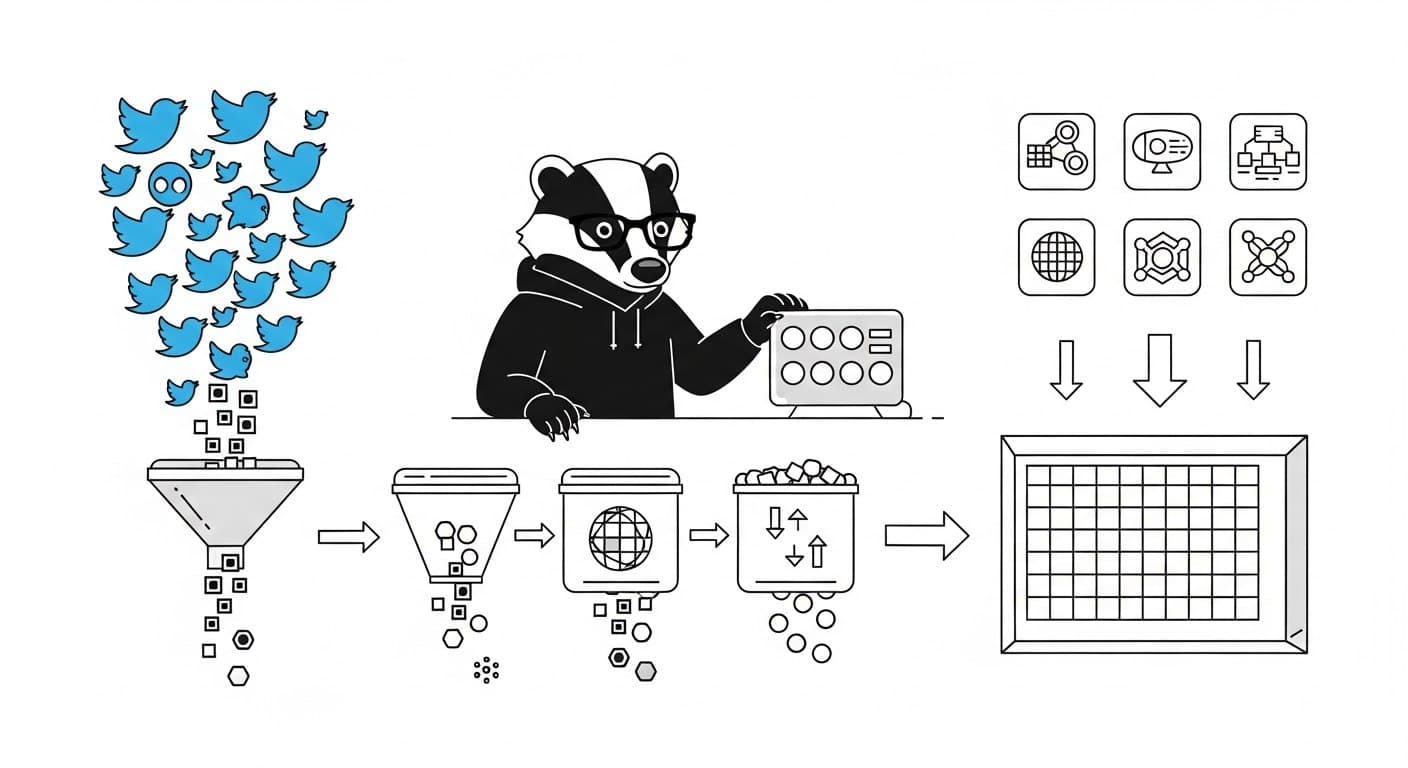
Most founders find out about important Twitter conversations three days too late. Someone mentioned your product, asked a question your tool solves, or complained loudly about a competitor — and by the time you saw it, the thread was cold and the opportunity was gone.
A Twitter alert system fixes this. It monitors the conversations you care about and notifies you the moment they happen, without you having to be logged in, searching, or paying attention. This guide shows you how to build one that actually works in production, using ScrapeBadger's Filter Rules API as the data layer.
What a Twitter Alert System Actually Does
The goal is simple: define a set of queries, run them continuously, and push matching tweets to wherever your team responds — Slack, email, a database, a webhook.
In practice, there are two technical approaches to this:
Polling: Ask the API "any new tweets matching this query?" on a schedule. Simpler to set up, but introduces a delay equal to your polling interval.
Event-driven (Filter Rules): Register a rule once. The system runs the query continuously and pushes matching tweets to your endpoint the moment they're detected. No manual scheduling required.
For alert systems where response time matters — brand mentions, PR signals, competitor announcements — Filter Rules are the right approach. Polling is fine for daily digests or background tracking where a 10–60 minute delay is acceptable.
Deciding What to Monitor
Before you write a line of code, define what you're actually tracking. The rule quality determines whether your alert system is useful or just noise.
Most startup teams care about three categories:
Brand signals — your product name, your Twitter handle, common misspellings. These tell you who's talking about you and why.
Competitor signals — mentions of competitor names and keywords associated with their positioning. You want to know before a customer tells you.
Market signals — phrases that indicate buying intent or frustration with the status quo. "Anyone know a good tool for X?" or "Looking for alternatives to Y" are the tweets that surface leads.
A note on query design: broad queries return noise. Tight queries miss things. Start with something like:
"your-product-name" -is:retweet lang:en
Then expand as you calibrate what's actually actionable. ScrapeBadger provides a validate endpoint that checks query syntax before you create a live rule — use it before committing.
Choosing a Polling Interval
Different signals have different urgency. ScrapeBadger's Filter Rules support five polling tiers:
Tier | Poll Interval | Credits/Rule/Day | Best For |
|---|---|---|---|
Turbo | 0.5 seconds | 30,000 | Live events, active crisis monitoring |
Fast | 5 seconds | 10,000 | Product launch tracking |
Standard | 1 minute | 1,500 | Brand monitoring, B2B SaaS tracking |
Relaxed | 10 minutes | 500 | Market research, background tracking |
Daily | 24 hours | 100 | Weekly digest inputs |
For most startups, Standard is the right default. One-minute polling is near-real-time for most purposes, and at roughly $4.50 per rule per month, you can run several rules without meaningful cost.
Reserve Turbo and Fast for specific situations — a product launch, a PR situation you know is developing, or a live event where your brand is active.
Step 1: Create a Filter Rule
Here's how to register a rule. This starts monitoring immediately:
curl -X POST "https://scrapebadger.com/v1/twitter/filter-rules" \
  -H "x-api-key: YOUR_API_KEY" \
  -H "Content-Type: application/json" \
  -d '{
    "query": "\"your-product-name\" -is:retweet lang:en",
    "tag": "brand-monitor",
    "interval": "standard",
    "webhook_url": "https://your-app.com/webhooks/tweets"
  }'
The tag field is for your own reference — useful when you're managing multiple rules and want to route them differently downstream. Keep tags descriptive: brand-monitor, competitor-x, lead-intent.
You can list, update, and delete rules via the same Filter Rules API. Up to 50 active rules per API key.
Step 2: Receive Tweets via Webhook
When a matching tweet is detected, ScrapeBadger sends an HTTP POST to your webhook_url. The payload looks like this:
{
  "type": "tweet",
  "monitor_id": "mon-123",
  "tweet_id": "1234567890123456789",
  "author_username": "someuser",
  "tweet_published_at": "2026-03-04T12:00:00Z",
  "detected_at": "2026-03-04T12:00:00.850Z",
  "latency_ms": 850,
  "tweet": {
    "id": "1234567890123456789",
    "text": "Just switched from CompetitorX to YourProduct...",
    "created_at": "Mon Mar 04 12:00:00 +0000 2026",
    "username": "someuser",
    "favorite_count": 12,
    "retweet_count": 3,
    "reply_count": 1
  }
}
You have 10 seconds to return a 2xx response. If you don't, ScrapeBadger retries up to 3 times with exponential backoff. The X-ScrapeBadger-Delivery-Id header serves as an idempotency key — use it to prevent processing the same event twice.
Step 3: Verify Webhook Signatures
Don't skip this. Any public webhook endpoint will eventually get hit with garbage payloads. ScrapeBadger signs every request with HMAC-SHA256 via the X-ScrapeBadger-Signature header. Verify it before processing anything.
Python / Flask:
import hmac
import hashlib
from flask import Flask, request, abort

app = Flask(__name__)
WEBHOOK_SECRET = "your_webhook_secret"

def verify_signature(body: bytes, signature: str, secret: str) -> bool:
    expected = hmac.new(secret.encode(), body, hashlib.sha256).hexdigest()
    received = signature.replace("sha256=", "")
    return hmac.compare_digest(expected, received)

@app.post("/webhooks/tweets")
def handle_webhook():
    signature = request.headers.get("X-ScrapeBadger-Signature", "")
    if not verify_signature(request.data, signature, WEBHOOK_SECRET):
        abort(401)

    data = request.json
    tweet_text = data["tweet"]["text"]
    author = data["author_username"]
    tag = data.get("tag", "unknown")

    print(f"[{tag}] New tweet from @{author}: {tweet_text[:100]}")
    # Route to Slack, database, etc.
    return "OK", 200
Node.js / Express:
import crypto from 'crypto';
import express from 'express';

const app = express();
const WEBHOOK_SECRET = process.env.WEBHOOK_SECRET;

app.use(express.json());

function verifySignature(body, signature, secret) {
  const expected = crypto
    .createHmac('sha256', secret)
    .update(body)
    .digest('hex');
  const received = signature.replace('sha256=', '');
  return crypto.timingSafeEqual(
    Buffer.from(expected),
    Buffer.from(received)
  );
}

app.post('/webhooks/tweets', (req, res) => {
  const signature = req.headers['x-scrapebadger-signature'];
  const body = JSON.stringify(req.body);

  if (!verifySignature(body, signature, WEBHOOK_SECRET)) {
    return res.status(401).send('Invalid signature');
  }

  const { author_username, tweet, tag } = req.body;
  console.log(`[${tag}] @${author_username}: ${tweet.text.slice(0, 100)}`);
  // Send to Slack, store in DB, etc.
  res.status(200).send('OK');
});
Step 4: Route Alerts Where Your Team Actually Looks
The webhook handler is the integration point. From here you can send the tweet data anywhere.
Slack (most common for small teams):
import requests

SLACK_WEBHOOK = "https://hooks.slack.com/services/YOUR/SLACK/WEBHOOK"

def send_slack_alert(tag: str, author: str, tweet_text: str, tweet_id: str):
    tweet_url = f"https://twitter.com/{author}/status/{tweet_id}"
    payload = {
        "text": f"*[{tag}]* New mention from @{author}\n>{tweet_text}\n<{tweet_url}|View tweet>"
    }
    requests.post(SLACK_WEBHOOK, json=payload, timeout=5)
Call send_slack_alert() inside your webhook handler, passing data from the payload. Done.
For routing multiple rules to different Slack channels, use the tag field: brand-monitor goes to #brand-alerts, lead-intent goes to #sales.
Database storage (for volume and history):
If you're tracking significant volume or want to run analysis on collected mentions, store everything in SQLite or Postgres. Use tweet_id as the primary key — it's stable and globally unique.
import sqlite3

def store_tweet(tweet_id: str, author: str, text: str, tag: str, detected_at: str):
    con = sqlite3.connect("alerts.db")
    try:
        con.execute("""
            INSERT OR IGNORE INTO tweets
            (tweet_id, author, text, tag, detected_at)
            VALUES (?, ?, ?, ?, ?)
        """, (tweet_id, author, text, tag, detected_at))
        con.commit()
    finally:
        con.close()
INSERT OR IGNORE handles the idempotency case without extra logic.
Reducing Noise Before It Becomes a Problem
Alert fatigue is the most common failure mode. The system works, but the signal-to-noise ratio is so bad that people stop reading it.
Fix this at the query level, not the consumer level. Filters applied at the rule reduce the volume of events you receive in the first place.
Problem | Query Fix |
|---|---|
Retweets cluttering the feed | Add |
Irrelevant language content | Add |
Spam and giveaways | Add |
Low-quality mentions | Add |
Broad keyword catching everything | Use exact-match quotes: |
After two weeks of running a rule, look at what you actually acted on. If less than half the alerts were worth reading, tighten the query.
Deployment Considerations
A few things worth thinking through before you go live.
Separate API keys per environment. Dev, staging, and production should each have their own key. This prevents accidental filter rules from your local machine firing production alerts.
Your webhook endpoint needs to be public. If you're still developing locally, use a tool like ngrok to expose a local server for testing. ScrapeBadger also provides a test delivery endpoint in the webhook docs if you want to trigger a mock payload.
Monitor the delivery logs. The rule logs endpoint (GET /v1/twitter/filter-rules/{rule_id}/logs) shows you what was detected, when, and whether delivery succeeded. Check this if you suspect tweets are being matched but not arriving at your endpoint.
Alert on silence. If a rule that normally fires 20 times a day suddenly goes quiet, that's worth investigating. Could be a query issue, a webhook delivery failure, or genuinely quiet conditions. Log the last delivery time per rule and alert if it exceeds your expected interval by a meaningful margin.
If you're coming from a polling-based setup and want to understand the architecture tradeoffs in more depth, the post on how to build a real-time Twitter monitoring pipeline covers the two approaches side-by-side.
What to Track Beyond Brand Mentions
Brand monitoring is the obvious starting point. But the same infrastructure supports several other high-value signals that most startup teams overlook.
Lead intent queries: Monitor phrases like "looking for alternatives to [competitor]" or "any recommendations for [category]". These are people actively shopping. You have minutes to respond authentically before they move on.
Negative sentiment on competitors: Track complaints about products in your space. Not to pile on, but to understand what the market is dissatisfied with. This data informs positioning more reliably than most user research.
Industry trend signals: Monitor hashtags or keywords in your problem domain with a min_faves:50 filter. High-engagement posts in your niche are worth knowing about quickly, whether or not they mention you directly.
For a practical breakdown of how to use this kind of signal for acquisition, the post on how startups use Twitter monitoring for lead generation is worth reading alongside this one.
FAQ
What's the difference between a Twitter alert system and a scraping pipeline?
A scraping pipeline fetches data on a schedule — you ask "what happened in the last hour?" periodically. An alert system is event-driven — you define what you care about, and data gets pushed to you the moment it matches. For time-sensitive signals, the push model is significantly faster. For bulk historical collection or analysis, polling is more appropriate. The Twitter Monitoring vs Twitter Scraping post covers this distinction in more detail.
How many rules should I start with?
Start with three: one for your brand name, one for a high-intent competitor signal, and one for a broad market keyword. Run these for two weeks, check what you actually acted on, and expand from there. ScrapeBadger supports up to 50 active rules per API key, so you have room to grow without architectural changes.
What happens if my webhook endpoint is down when a tweet is detected?
ScrapeBadger retries failed deliveries up to 3 times with exponential backoff. If all retries fail, the event is logged. You can inspect delivery failures via the rule logs endpoint to see what was missed and when.
Can I use this without a public server by polling instead?
Yes. If you can't expose a webhook endpoint, you can omit webhook_url from the rule and use the logs endpoint to poll for matched tweets on a schedule. This is less immediate than webhook delivery but works fine if you're running a cron-based setup or building locally. Alternatively, expose a local server temporarily using ngrok during development.
How do I handle the same tweet arriving multiple times?
Use the X-ScrapeBadger-Delivery-Id header as an idempotency key. Store processed delivery IDs in a fast cache (Redis) or your database, and skip processing if the ID has already been seen. For SQLite, INSERT OR IGNORE on tweet_id handles the common case without extra logic.

Written by
Thomas Shultz
Thomas Shultz is the Head of Data at ScrapeBadger, working on public web data, scraping infrastructure, and data reliability. He writes about real-world scraping, data pipelines, and turning unstructured web data into usable signals. ScrapeBadger is a web scraping API platform specialising in Twitter/X, Reddit and Google data, with dedicated scrapers also covering TikTok, YouTube, LinkedIn, Amazon, eBay, Zillow and 40+ more: with built-in anti-bot bypass and an MCP server for AI agents.
Ready to get started?
Join thousands of developers using ScrapeBadger for their data needs.