How to Monitor Twitter Keywords Automatically
 Thomas Shultz
AI Summary: This guide walks through four practical approaches to automating Twitter keyword monitoring for founders and small teams, weighing the trade-offs of each so you can build a lightweight background pipeline that collects brand, competitor, and hashtag mentions without an expensive enterprise listening suite.
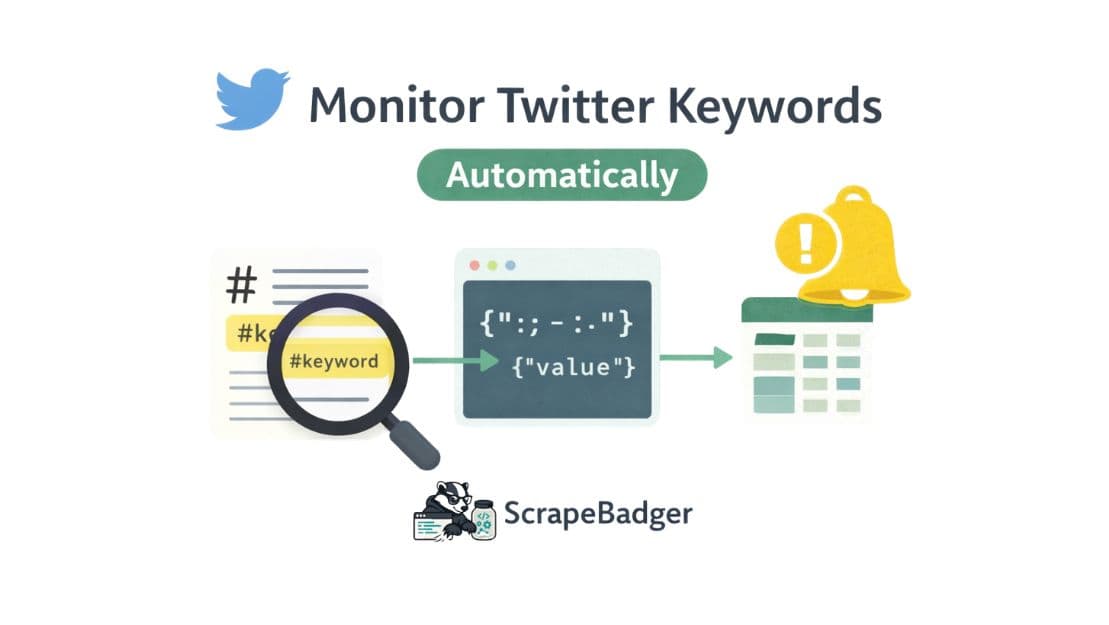
You probably already know the feeling. You spend twenty minutes searching Twitter for your product name, your competitors' names, a few relevant hashtags, and by the time you're done, you're not sure you found anything useful. You close the tab, go back to building, and three days later discover that someone posted a thread about your exact problem space. Got 400 retweets, and you missed the entire conversation.
Manual monitoring doesn't scale. For indie hackers, solo founders or small teams, the answer isn't a $500/month enterprise social listening suite. The answer is a lightweight, automated pipeline that runs in the background, collects what you care about, and surfaces it in a format you can act on.
This guide covers four practical approaches to automating Twitter keyword monitoring, the real trade-offs of each, and how to structure a pipeline that holds up over time.
Why This Is Harder Than It Looks
The naive version of this problem sounds simple: search Twitter for a keyword, collect the results, repeat on a schedule. In practice, you run into a wall quickly.
Twitter's official API has gone through significant pricing changes in recent years. The free tier is now essentially unusable for recurring data collection, and the Basic tier at $100–$200 per month comes with strict rate limits — typically 60 to 300 requests per 15-minute window. For a small team checking multiple keywords every hour, those limits are hit fast.
DIY scraping with headless browsers is the obvious workaround, but X actively deploys anti-bot measures, and a scraper that works today can silently break tomorrow when the page structure changes. Failures are often quiet. The script completes without errors but returns incomplete data, and you don't find out until you notice a gap in your records weeks later.
The result is that most small teams either overpay for the official API, build a fragile scraper they're constantly patching, or give up and go back to manual searching. None of these are good outcomes.
Four Approaches Worth Considering
1. No-Code Automation Platforms
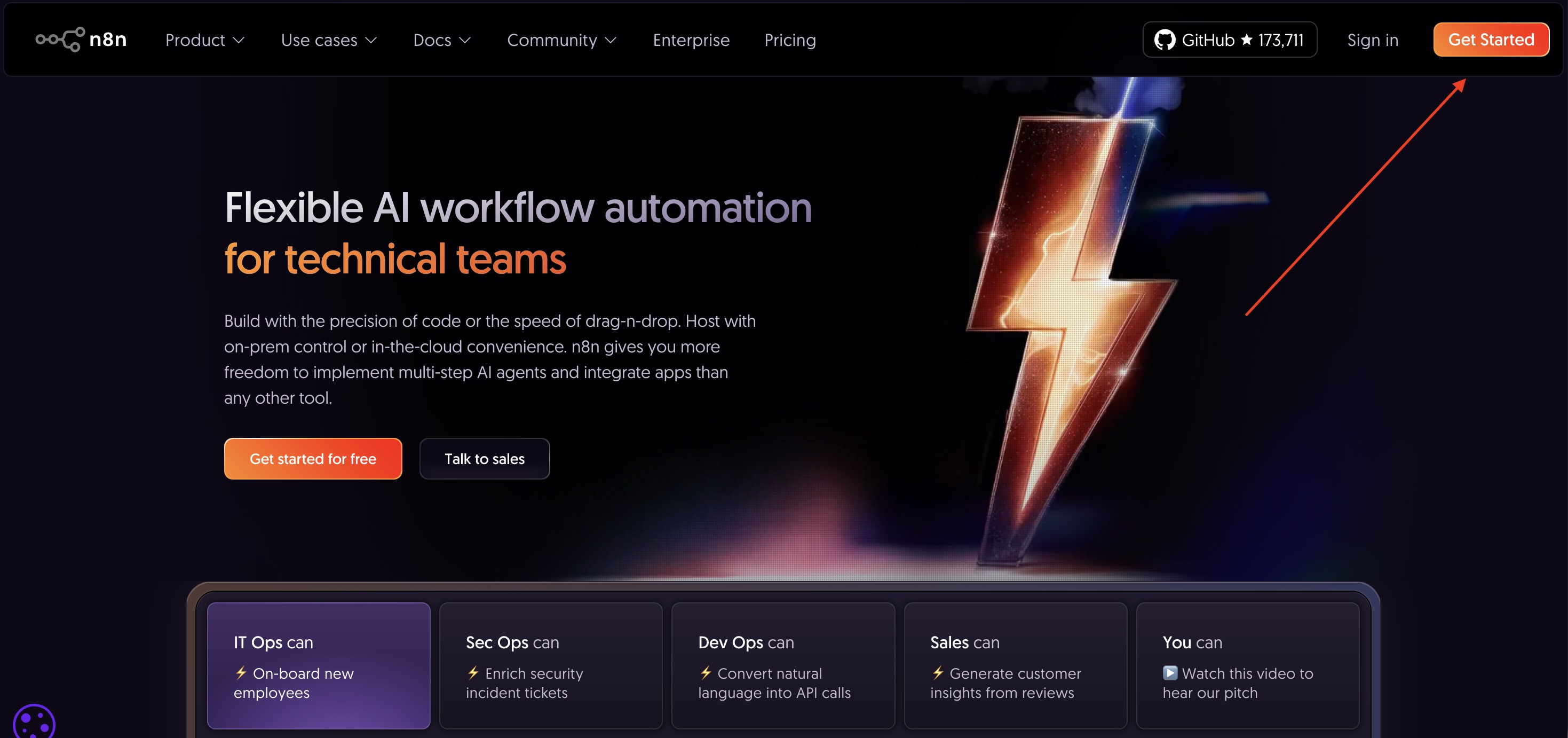
Tools like n8n, Make, and Zapier let you build monitoring workflows without writing code. A typical setup involves a scheduled trigger, a Twitter search node, a deduplication step, and an output node that writes results to a Google Sheet or sends a Slack notification. n8n has a well-documented workflow template for exactly this use case: it searches Twitter for a keyword on a daily schedule, compares tweet IDs against an Airtable base to filter duplicates, and appends only new results.
For someone who wants to get something running without touching code, this is a reasonable starting point. The limitations become apparent once you need to handle pagination properly or manage multiple keywords with different frequencies. Pricing also scales with usage in ways that can surprise you. What starts as a $20/month tool can reach $100+ per month once you're running workflows every 15 minutes across a dozen keywords.
You can read more about X scraping using n8n in our previous blog post.
2. Scheduled Python Scripts
A Python script running on a cron job is the workhorse approach for developers who want control without building a full system. The basic pattern is straightforward: authenticate with a data source, query for your keywords, normalize the results into a consistent schema, deduplicate against what you've already stored, and write new records to a database or file.
This approach works well for teams that already have a server or a simple cloud function running. The script is easy to version control and doesn't depend on a third party platform's pricing decisions. The challenge is the data source: if you're using the official Twitter API, you'll hit rate limits and cost constraints quickly. If you're scraping directly, you'll spend time on maintenance that doesn't move your product forward.
3. Exporting to Dashboards and Spreadsheets
For teams that want visibility without building a full alerting system, exporting collected tweets into a structured dashboard is often the most practical option. Google Sheets or Airtable can serve as the storage layer, and tools like Looker Studio or Metabase can sit on top for visualization.
This approach works well for periodic analysis rather than real-time alerting. Tracking how sentiment around a competitor's product changes over a launch cycle, or building a weekly digest of conversations in your market. If you're monitoring for time-sensitive things like PR crisis, a viral complaint, a competitor announcement, a daily export won't cut it. But for market research and retrospective analysis, it's often more than enough and far easier to maintain than a real-time system.
4. API-Based Pipelines with a Scraping Service
The fourth approach is to use a specialized scraping API as the data layer for your pipeline. Instead of building your own scraping infrastructure or paying for the official API, you call an endpoint that returns structured tweet data and focus entirely on what to do with it.
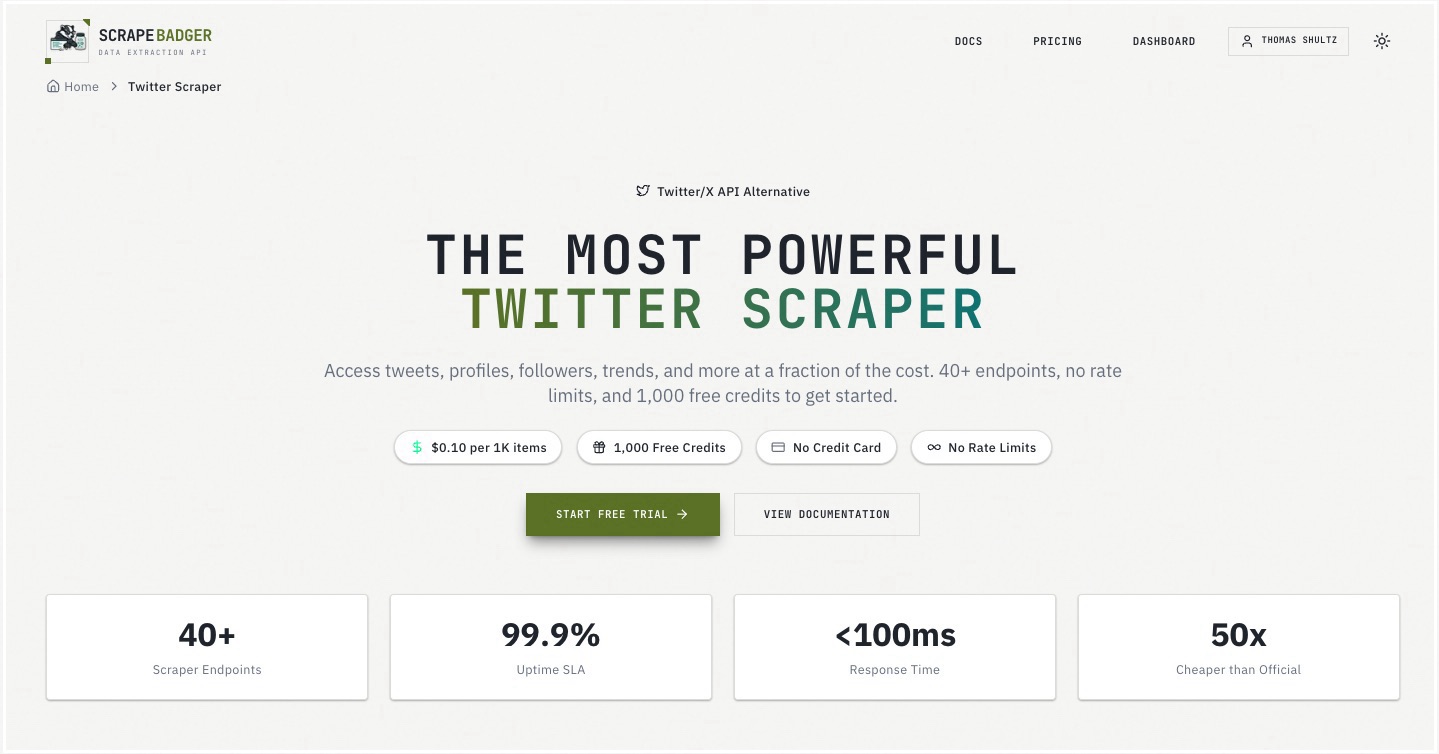
This is where services like ScrapeBadger fit in. ScrapeBadger exposes 39 Twitter endpoints: keyword search, user timelines, follower lists, trending topics, community tweets and more through a clean REST API with no rate limits. In practice, a cron job fires on your chosen schedule, calls the search endpoint with your keyword, receives a paginated stream of tweet objects, deduplicates against a local store of tweet IDs, and routes new results to wherever you need them. The Python SDK handles pagination internally, so you don't have to write cursor logic yourself.
Comparing the Approaches
Approach | Setup Time | Ongoing Maintenance | Cost at Scale | Best For |
|---|---|---|---|---|
No-code platforms (n8n, Make, Zapier) | Hours | Low | Medium–High | Non-technical founders, simple workflows |
Python + official Twitter API | Days | Medium | High | Teams with compliance requirements |
DIY headless browser scraping | Days–Weeks | High | Low (infra only) | Engineers comfortable with maintenance burden |
Python + scraping API (e.g., ScrapeBadger) | Hours | Low | Low–Medium | Developers who want reliability without overhead |
Building a Pipeline That Actually Holds Up
Regardless of which approach you choose, a few implementation decisions determine whether your pipeline is reliable or a constant source of debugging.
Deduplication is not optional. Tweet IDs are stable and unique. Store every ID you process in a simple lookup table and check against it before writing new records. Without this, you'll end up with duplicate alerts and inflated counts.
Decide on frequency based on use case, not ambition. Monitoring for a PR crisis warrants 15-minute intervals; tracking market sentiment can run hourly or daily. Running jobs more frequently than you need wastes API credits and creates noise.
Noise filtering is a real problem. A keyword like "automation" or "API" will return enormous volumes of irrelevant content. Build in filters from the start: exclude retweets, filter by minimum engagement thresholds, or restrict to a specific language.
Store raw data before you process it. Keep the original tweet objects in storage regardless of what you do downstream. Requirements change, and you'll want to reprocess historical data against new logic without re-collecting it.
Alert on pipeline failures, not just results. If a job runs and returns zero results for a keyword that normally returns 50+, that's worth a notification. It might mean the keyword is genuinely quiet, or it might mean something broke upstream.
Real-World Use Cases
The same pipeline architecture serves several different goals depending on what keywords you're tracking.
Brand monitoring means tracking your product name, your Twitter handle, and common misspellings. Route high-engagement mentions to a Slack channel so your team can respond quickly. A single influential tweet can drive a meaningful spike in signups — or surface a bug you didn't know existed.
Competitor tracking involves monitoring competitors' product names and keywords associated with their positioning. When a competitor announces a new feature or receives negative press, you want to know before your customers bring it up in a support ticket.
Lead discovery is an underused application. People frequently tweet about problems they're trying to solve — "anyone know a good tool for X?" or "frustrated with Y, looking for alternatives." Monitoring for these intent signals and engaging authentically is a legitimate acquisition channel for early-stage products. It requires human judgment to respond well, but automated collection ensures you don't miss the signal.
Market research and product feedback involves tracking broader topic keywords to understand how your target audience talks about a problem space. What language do they use? What frustrations come up repeatedly? This qualitative data is invaluable for positioning and copywriting decisions.
How ScrapeBadger Simplifies the Data Layer
The hardest part of building a Twitter monitoring pipeline isn't the logic. It's getting reliable data into the pipeline in the first place. Rather than managing proxies, handling anti-bot detection, or maintaining a headless browser setup, ScrapeBadger lets you make a single API call and get back a clean, structured JSON response.
At $0.10 per 1,000 items with no rate limits and a 99.9% uptime SLA, the economics work for a small team running a continuous pipeline. When Twitter changes its internal page structure (which happens regularly), ScrapeBadger's team handles the update. Your pipeline keeps running. That's the kind of reliability that's genuinely hard to achieve with a DIY scraper, and it frees you to focus on the downstream logic that actually creates value.
ScrapeBadger offers 1,000 free credits with no credit card required. It's enough to run a keyword search pipeline for several days and validate the data quality before committing to anything.
Closing Thoughts
Automated X keyword monitoring is fundamentally a data engineering problem. The teams that do it well treat it like any other pipeline: they define clear inputs and outputs, build in reliability mechanisms from the start, and iterate on signal-to-noise over time.
The tooling has matured to the point where a solo developer can have a working pipeline running in a few hours. No-code platforms lower the barrier for non-technical founders. Scraping APIs eliminate the infrastructure overhead for developers who want to move fast. The official API remains an option for teams with specific compliance requirements, though the cost structure makes it difficult to justify for most small-scale use cases.
The harder problem is deciding what to do with the data once you have it. Automated collection is the foundation. The value comes from building the right downstream workflows. The alerts that actually get acted on, the dashboards that inform real decisions, the feedback loops that make your product better. Start simple, get it running reliably, and build from there.

Written by
Thomas Shultz
Thomas Shultz is the Head of Data at ScrapeBadger, working on public web data, scraping infrastructure, and data reliability. He writes about real-world scraping, data pipelines, and turning unstructured web data into usable signals. ScrapeBadger is a web scraping API platform specialising in Twitter/X, Reddit and Google data, with dedicated scrapers also covering TikTok, YouTube, LinkedIn, Amazon, eBay, Zillow and 40+ more: with built-in anti-bot bypass and an MCP server for AI agents.
Ready to get started?
Join thousands of developers using ScrapeBadger for their data needs.