Twitter API vs Scraping APIs: What Should You Use in 2026?
 Thomas Shultz
AI Summary: This guide compares the official Twitter/X API, whose serious access now starts at $5,000 per month, against scraping APIs, breaking down real costs and where each genuinely wins, so teams building on Twitter data in 2026 pick the right tool for what they are building.
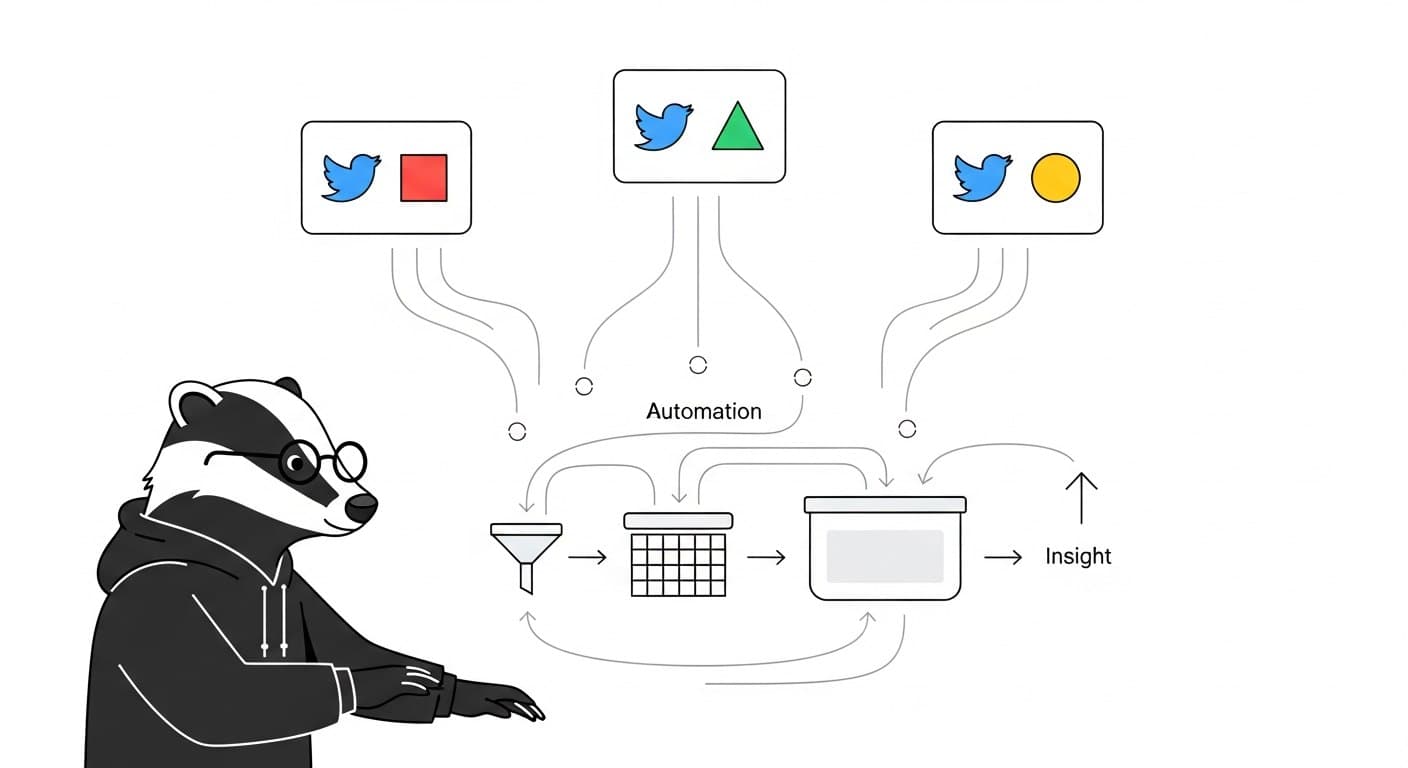
The official Twitter/X API used to be the obvious starting point for anyone building on social data. Reasonable pricing, predictable access, straightforward docs. That's not the situation anymore. After X gutted the free tier in early 2023 and pushed serious access into plans starting at $5,000/month, the decision calculus shifted completely. Most teams building on Twitter data aren't evaluating the official API — they're evaluating which alternative fits their use case.
This guide cuts through the noise. Here's what the official API actually costs, where scraping APIs genuinely win, and how to pick the right tool for what you're building.
What the Official Twitter/X API Looks Like Today
The free tier technically still exists, but it offers no meaningful read access. The Basic plan at around $100/month gives you roughly 10,000–15,000 tweets per month with strict rate limits (300–450 requests per 15-minute window). The Pro tier runs $5,000/month for 1 million tweets. Enterprise starts at $42,000/year.
For reference: a monitoring bot checking three keywords every 15 minutes will exhaust the Basic tier's monthly allocation in under two days.
On the technical side, the official API has real advantages. OAuth-authenticated endpoints, structured JSON, stable schemas, and no risk of blocking. If you're building something that requires compliance documentation — say, a regulated financial product or academic research with institutional requirements — those properties matter. But for the majority of teams building analytics tools, monitoring pipelines, or data products, the cost structure makes it hard to justify.
What Scraping APIs Are and How They Work
Scraping APIs sit between you and the raw web. They handle browser rendering, proxy rotation, anti-bot detection, and response parsing — you send a query, they return structured JSON. No OAuth setup, no developer app review, no waiting for access approval.
The workflow looks like this:
keyword or URL → API call → paginated JSON response → normalize → store
In practice, a request to a scraping API looks like this:
curl -X GET "https://scrapebadger.com/v1/twitter/tweets/advanced_search" \
  -H "x-api-key: YOUR_API_KEY"
What you get back is structured tweet data — text, user metadata, engagement metrics, timestamps — in a predictable schema. The hard parts (proxy rotation, rate limiting, response parsing, cursor-based pagination) are handled on the provider's end.
The tradeoff is that you're trusting a third party to maintain that infrastructure. When X updates its internal page structure — which happens regularly — a well-maintained scraping API absorbs the change. A DIY scraper breaks.
The DIY Scraping Option (And Why It's Usually the Wrong Call)
Building your own scraper with Playwright or Puppeteer is technically possible and occasionally makes sense for highly specialized needs. The reality for most teams:
Datacenter IP ranges get blocked within hours
Residential proxies cost $10+/GB at scale
X deploys aggressive bot detection that evolves faster than most teams can maintain
Frontend changes break scrapers silently — your script returns no error, just incomplete data
Maintaining a DIY scraper is effectively a part-time engineering job
One developer who stress-tested all four approaches in 2025 described the DIY path bluntly: "You'll hate your life." After 60+ hours of testing, managed APIs won on every dimension that matters for production use.
Head-to-Head Comparison
Approach | Cost | Data Coverage | Reliability | Setup Time | Maintenance |
|---|---|---|---|---|---|
Official X API (Basic) | $100/month (~10K tweets) | Limited by rate limits | High | Days (OAuth setup) | Low |
Official X API (Pro) | $5,000/month | Better, still capped | High | Days | Low |
DIY browser scraping | Low (infra only) + proxy costs | Full public data | Low | Days–Weeks | High |
Scraping API (e.g. ScrapeBadger) | $0.05–$0.10 per 1K items | Full public data | High | Hours | Low |
Python libraries (twscrape, twikit) | Free | Variable | Medium | Medium | Medium-High |
A few decision rules worth making explicit:
If you're processing fewer than 5,000 tweets per month and need ToS-compliant access, the official Basic tier is viable.
If you're building any kind of recurring pipeline — monitoring, analytics, data products — the official API cost structure doesn't work.
If you need to collect from search, timelines, follower lists, trending topics, and replies in the same pipeline, you almost certainly need a scraping API. The official API doesn't expose all of those cleanly.
If compliance documentation is a hard requirement (regulated industry, academic IRB, government procurement), the official API is the safer path regardless of cost.
When Scraping APIs Win Clearly
Keyword monitoring and search. The official API's search endpoint is rate-limited and returns incomplete results by design (Twitter's own documentation acknowledges this). Scraping APIs return full search results with cursor-based pagination you can drive programmatically.
Multi-endpoint pipelines. A typical competitor tracking setup might need: search results for a keyword, the timeline of a specific account, follower count changes over time, and engagement data on specific tweets. The official API requires separate endpoints, separate rate limits, and careful orchestration. A scraping API like ScrapeBadger covers all of this through a unified interface.
Cost at any real volume. If you're collecting more than 50,000 tweets per month, the official API's cost per tweet is roughly 10–50x higher than scraping APIs. The math isn't close.
Speed to production. No app approval process, no OAuth implementation, no waiting. You get an API key, hit an endpoint, and get data. A working pipeline can be running in hours. You can see what that looks like in our guide on how to scrape Twitter data at scale.
What to Actually Look for in a Scraping API
Not all scraping APIs are built the same. The things that determine whether a provider is usable in production:
Pagination stability. This is the most common failure point. If the provider's cursor logic is unreliable, you get datasets that look complete but are missing chunks. Test this before committing — run a search for a keyword you know is active and verify result counts across pages.
Schema consistency. Tweet objects returned by scraping APIs should have predictable fields across runs. If public_metrics is present in one response and absent in the next, your normalization layer will break eventually.
Endpoint coverage. A provider with only search isn't useful if you also need timelines or user profile data. Check that the endpoints you need actually exist before building on a platform.
Transparent pricing. Credit-based models are easier to reason about than usage-based tiers with unclear definitions. If you can't estimate a monthly cost within 20% before you start, that's a problem.
ScrapeBadger covers 39 Twitter/X endpoints including keyword search, user timelines, follower data, trending topics, and engagement metrics, with credit-based pricing and no rate limits on the data side. Authentication is straightforward — an x-api-key header, no OAuth involved. The quick start guide gets you to a working request in under 10 minutes.
The Honest Verdict
The official Twitter API has a use case: compliance-sensitive, low-volume access where you need the official stamp of approval. For everything else — analytics, monitoring, data products, research pipelines — scraping APIs are faster to set up, dramatically cheaper at scale, and cover more of the data surface you actually need.
The practical path for most teams: start with a scraping API's free trial using your real keywords and expected query volume. Within a few hours, you'll know if the data quality and endpoint coverage meet your needs. That test is worth more than any feature comparison table.
If you're also thinking about the downstream use of that data — building alerts, automating responses to mentions, tracking what competitors are doing — the guide on building a Twitter alert system for your startup covers the operational side of what comes after you have reliable data collection in place.
FAQ
What is the Twitter API and how does it work?
The Twitter/X API is X's official set of endpoints for accessing tweet data, user profiles, search results, and more. You authenticate via OAuth, submit requests to documented endpoints, and receive structured JSON responses. As of 2025–2026, meaningful access starts at $100/month (Basic) and scales to $5,000/month (Pro) or $42,000+/year (Enterprise).
Why do most teams use scraping APIs instead of the official Twitter API?
Cost and coverage. The official API's rate limits make it impractical for recurring data collection at any significant volume. Scraping APIs return the same public data at a fraction of the cost — typically $0.05–$0.10 per 1,000 items — without requiring OAuth setup or developer app approval. They also cover endpoints and data types the official API either restricts or doesn't expose cleanly.
Is using a scraping API for Twitter data legal?
This depends on your jurisdiction, what data you're collecting, and how you use it. Scraping APIs collect publicly visible data — the same information any user can see without logging in. That said, X's Terms of Service prohibit certain automated access, and how that intersects with applicable law varies by location and use case. Review both before building production systems, and avoid collecting private or protected account data.
What's the difference between a scraping API and building your own scraper?
A scraping API is a managed service: you call an endpoint, the provider handles proxy rotation, browser rendering, anti-bot friction, and data parsing. Building your own scraper means managing all of that yourself. For most teams, the ongoing maintenance cost of DIY scraping — keeping up with X's frontend changes, managing proxy costs, handling silent failures — far exceeds the cost of a scraping API.
How do I choose between scraping API providers?
Test on your actual workload before committing. Key things to evaluate: pagination reliability (do you get consistent result counts across pages?), schema consistency (are fields present and formatted the same across runs?), endpoint coverage (does the provider have search, timelines, user profiles, and the other endpoints you need?), and pricing predictability (can you estimate your monthly cost before you sign up?). A one-hour pilot with your real keywords tells you more than any comparison table.
What happens when Twitter/X changes its internal structure?
If you're using a well-maintained scraping API, the provider handles the update on their end and your pipeline keeps running. If you're running a DIY scraper, you find out about the change when your data stops arriving — usually without an error, just silence. This is one of the main operational advantages of using a managed scraping API rather than building your own.
Can I use the official API and a scraping API together?
Yes, and some teams do. A common pattern: use the official API for low-volume, compliance-sensitive endpoints where you need the documentation trail, and use a scraping API for higher-volume recurring collection where cost and coverage matter more. The two approaches aren't mutually exclusive.

Written by
Thomas Shultz
Thomas Shultz is the Head of Data at ScrapeBadger, working on public web data, scraping infrastructure, and data reliability. He writes about real-world scraping, data pipelines, and turning unstructured web data into usable signals. ScrapeBadger is a web scraping API platform specialising in Twitter/X, Reddit and Google data, with dedicated scrapers also covering TikTok, YouTube, LinkedIn, Amazon, eBay, Zillow and 40+ more: with built-in anti-bot bypass and an MCP server for AI agents.
Ready to get started?
Join thousands of developers using ScrapeBadger for their data needs.