Twitter Monitoring vs Twitter Scraping: What's the Difference?
 Thomas Shultz
AI Summary: This guide draws a clear line between on-demand Twitter scraping, a pull model for historical and batch data, and continuous Twitter monitoring, a push model for real-time reaction, explaining when each fits and how ScrapeBadger implements both so you avoid over-engineering or missing signals.
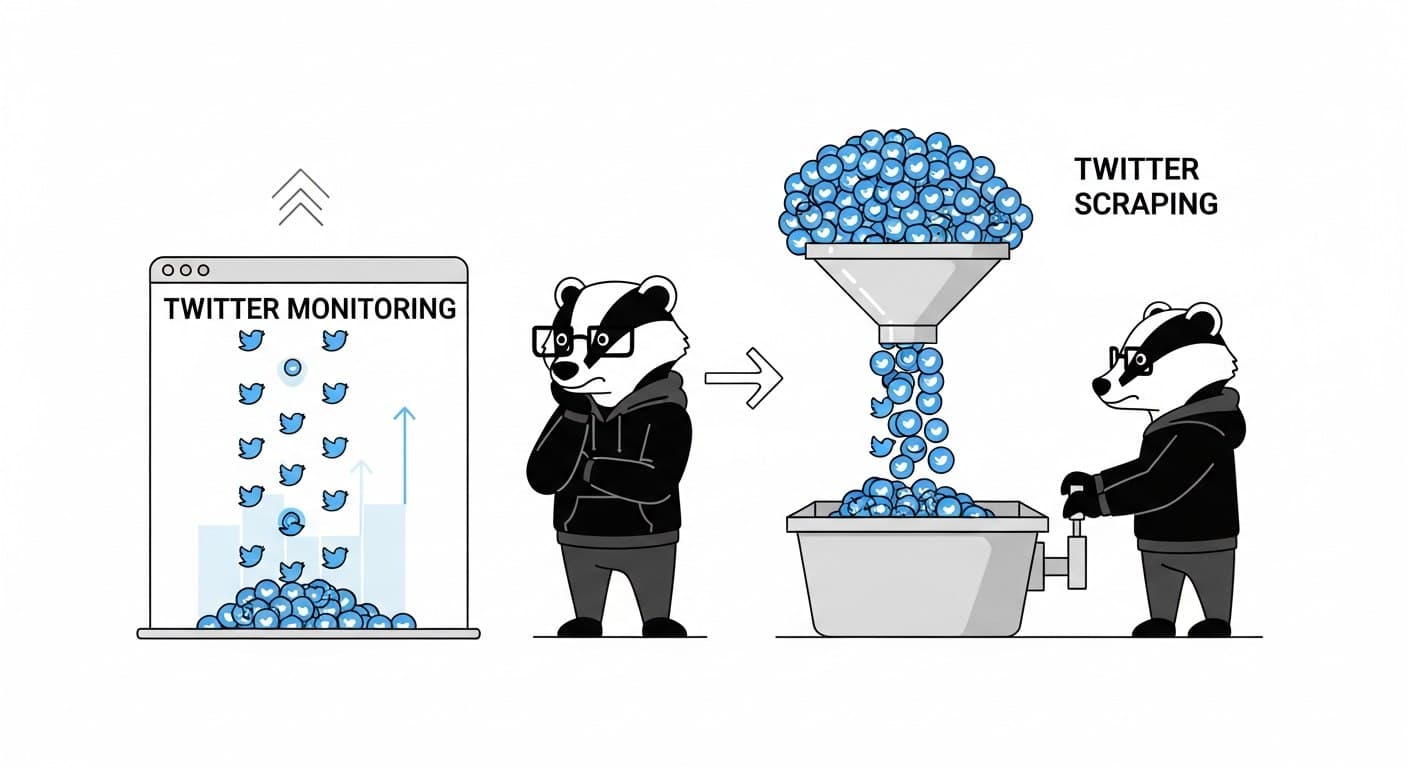
People use these terms interchangeably. They shouldn't. Twitter monitoring and Twitter scraping are different tools built for different jobs, and choosing the wrong one for your use case means either missing real-time signals or over-engineering a simple data pull.
This post draws a clear line between the two — what they are, how they work technically, when each one is the right call, and how ScrapeBadger implements both.
The Core Difference
Twitter scraping is on-demand. You make a request, you get data back. It's a pull model — useful for historical lookups, batch analysis, or one-time dataset builds.
Twitter monitoring is continuous. A rule or watcher runs in the background and pushes data to you the moment something matches. It's a push model — built for real-time reaction.
Factor | Twitter Scraping | Twitter Monitoring |
|---|---|---|
Trigger | You call the API | Automatic, continuous |
Data freshness | Point-in-time | Real-time / near-real-time |
Billing model | Per request | Per account or rule, per day |
Best for | Historical data, batch pulls, one-off lookups | Brand mentions, alerts, live event tracking |
Reaction time | Next time you run the script | Milliseconds to minutes |
Engineering effort | Low (simple API call) | Low-to-medium (webhook setup) |
The confusion comes from the fact that both collect Twitter data using similar technical foundations. But the trigger, the freshness, and the cost model are completely different.
What Twitter Scraping Actually Is
Scraping, in this context, means making a structured API call to retrieve tweet data on demand. You define a query or a tweet ID, fire the request, and get back a JSON payload.
The Twitter Tweets API covers the full range of on-demand data retrieval:
Fetch a single tweet by ID (
/v1/twitter/tweets/tweet/{id})Pull a batch of tweets in one request
Search by keyword or advanced query syntax (
/v1/twitter/tweets/advanced_search)Get retweeters, replies, quote tweets, or similar content for a specific tweet
The advanced search endpoint supports full Twitter query operators:
# Tweets mentioning a product, excluding retweets, in English
curl -X GET "https://scrapebadger.com/v1/twitter/tweets/advanced_search?query=your-product+-is:retweet+lang:en" \
  -H "x-api-key: YOUR_API_KEY"
You can combine operators:
"breaking news" min_faves:100        # Exact phrase, high engagement only
bitcoin OR ethereum -is:retweet      # Either term, original posts only
from:username lang:en                # English tweets from a specific account
One practical note: if from:username returns no results for an account you know is active, that account may be shadow-banned. You can check at https://x.com/search?q=from%3AUSERNAME&src=typed_query&f=live before burning credits on a dead query.
In practice, scraping is the right choice when: - You need to build a historical dataset - You're doing a one-time competitive analysis - You want to pull engagement stats on a specific tweet or thread - You're running a scheduled batch job (daily, weekly)
The billing model reflects this: 1 credit per request, with a rate limit of 180 requests per 15 minutes. Predictable and easy to estimate.
What Twitter Monitoring Actually Is
Monitoring is the continuous version of the same problem. Instead of asking "what happened?" on a schedule, you define what you care about and get notified when it occurs.
ScrapeBadger offers two distinct monitoring products under Twitter Streams:
Stream Monitors: Track Specific Accounts
Stream Monitors watch specific Twitter accounts in real-time. You create a monitor, give it a list of handles (up to 100 per monitor), and it pushes every new tweet to a webhook the moment it's detected.
# Create a monitor for two competitor accounts
curl -X POST "https://scrapebadger.com/v1/twitter/stream/monitors" \
  -H "x-api-key: YOUR_API_KEY" \
  -H "Content-Type: application/json" \
  -d '{
    "accounts": ["competitor_a", "competitor_b"],
    "name": "Competitor Feed",
    "webhook_url": "https://your-service.com/webhook"
  }'
Billing is per-account, per-day, with volume discounts:
Tier | Accounts | Credits / Account / Day |
|---|---|---|
Starter | 1–10 | 1,667 |
Growth | 11–50 | 1,333 |
Scale | 51–100 | 1,000 |
Enterprise | 101+ | 833 |
Five accounts at the Starter tier runs approximately $0.83/day (~$25/month). That's cheap enough to run continuously without thinking about it.
Filter Rules: Track Search Queries in Real-Time
Filter Rules are the right tool when you're tracking topics, hashtags, or keywords rather than specific accounts. You create a rule with a Twitter Advanced Search query, and it runs on a continuous polling loop — pushing matching tweets to your webhook as they appear.
# Create a filter rule for brand mentions
curl -X POST "https://scrapebadger.com/v1/twitter/filter-rules" \
  -H "x-api-key: YOUR_API_KEY" \
  -H "Content-Type: application/json" \
  -d '{
    "query": "\"your-product-name\" -is:retweet lang:en",
    "tag": "brand-monitor",
    "interval": "standard"
  }'
Before creating a rule in production, validate the query syntax first — it saves you from creating a billable rule with a broken query:
curl -X POST "https://scrapebadger.com/v1/twitter/filter-rules/validate" \
  -H "x-api-key: YOUR_API_KEY" \
  -d '{"query": "\"your-product\" -is:retweet min_faves:5"}'
The interval field determines how frequently the rule polls — and how much it costs:
Tier | Polling Interval | Credits / Rule / Day | Best For |
|---|---|---|---|
Turbo | Every 0.5 seconds | 30,000 | Crisis monitoring, live events |
Fast | Every 5 seconds | 10,000 | Active product launches |
Standard | Every 1 minute | 1,500 | Brand monitoring, B2B SaaS |
Relaxed | Every 10 minutes | 500 | Market research, background tracking |
Daily | Every 24 hours | 100 | Weekly digest inputs |
For most cases, Standard (1-minute polling) is the right default. Sub-minute detection at ~$4.50/month per rule. You'd only escalate to Turbo for a live crisis where seconds matter.
The Decision Framework
Here's how to pick between the two in practice:
Use scraping when: - The question is "what was said about X over the last 30 days?" - You're building a dataset for analysis, training, or reporting - You need to pull engagement data on specific tweets - The job runs on a schedule and freshness within minutes is fine
Use monitoring when: - The question is "what is being said about X right now?" - You need to respond to mentions quickly (support, PR, sales) - You're watching for a competitor announcement or viral content - Missing a tweet between runs is a real problem
Use both when: - Monitoring surfaces alerts in real-time, scraping fills in historical context - You want a live feed for reaction plus a periodic batch pull for analysis
If you want a deeper look at real-time pipeline architecture, How to Build a Real-Time Twitter Monitoring Pipeline covers the full implementation — Filter Rules, WebSocket delivery, and consumer setup.
Common Mistake: Using Scraping When You Need Monitoring
The most frequent mistake is building a polling scraper and calling it "monitoring." You schedule a cron job, it runs every 15 minutes, pulls the last 50 tweets, deduplicates, and routes new ones to Slack. This works fine at low frequency — but it has a structural problem.
Between runs, you're blind. A tweet can go viral, get a reply from a major account, or trigger a conversation thread — all before your next scheduled pull. If the tweet was posted at minute 14 and your job runs at minute 15, you catch it. If the tweet was posted at minute 1 and gets a hundred replies before your job runs again, you have no signal that something was happening.
For anything where timing matters — PR issues, viral product mentions, competitor announcements — a proper monitoring setup with webhook delivery is the right call, not a tighter cron schedule.
FAQ
What is the difference between Twitter scraping and Twitter monitoring?
Scraping is on-demand data retrieval — you make a request when you need data. Monitoring is continuous tracking — the system runs in the background and pushes data to you as events occur. Scraping is better for historical analysis and batch jobs. Monitoring is better for real-time alerts and fast reaction times.
Can I use Twitter scraping for real-time monitoring?
Technically yes, if you schedule it frequently enough. In practice, this approach creates blind spots between runs and scales poorly across multiple keywords or accounts. For anything requiring sub-minute reaction times, purpose-built monitoring (Filter Rules or Stream Monitors) is more reliable and often cheaper.
How does billing differ between scraping and monitoring?
Scraping bills per request — 1 credit per API call. Monitoring bills per account or rule per day, based on how many accounts you're watching or how frequently your filter rules poll. For high-volume continuous use, monitoring is generally more cost-efficient than polling scraping at high frequency.
What's the maximum number of accounts I can monitor simultaneously?
ScrapeBadger's Stream Monitors support up to 100 accounts per monitor, with volume pricing that scales from 1,667 credits/account/day down to 833 credits/account/day at enterprise scale.
How do I track a keyword in real-time rather than a specific account?
That's what Filter Rules are built for. You create a rule with a Twitter Advanced Search query (e.g., "product-name" -is:retweet lang:en) and set a polling interval. The rule runs continuously and pushes matching tweets to your webhook. Standard interval (1-minute polling) is the right starting point for most keyword monitoring use cases.
Is Twitter scraping legal?
It depends on jurisdiction, what data you're collecting, how you store and use it, and the platform's terms of service. Collecting publicly available tweet data is generally treated differently than collecting personal profile information. Always review applicable laws and platform terms before building production systems that store or process Twitter data.
Do I need both scraping and monitoring?
Often yes, for different reasons. Monitoring handles real-time alerting — you know the moment something happens. Scraping handles the follow-up — pulling thread context, engagement history, or related content once you've identified something worth investigating. They're complements, not alternatives.

Written by
Thomas Shultz
Thomas Shultz is the Head of Data at ScrapeBadger, working on public web data, scraping infrastructure, and data reliability. He writes about real-world scraping, data pipelines, and turning unstructured web data into usable signals. ScrapeBadger is a web scraping API platform specialising in Twitter/X, Reddit and Google data, with dedicated scrapers also covering TikTok, YouTube, LinkedIn, Amazon, eBay, Zillow and 40+ more: with built-in anti-bot bypass and an MCP server for AI agents.
Ready to get started?
Join thousands of developers using ScrapeBadger for their data needs.