How to Find Customers on Twitter Automatically
 Thomas Shultz
AI Summary: This guide shows how to build an automated pipeline that captures Twitter buying signals, people asking for tool recommendations or complaining about competitors, the moment they appear, filtering noise and surfacing real prospects instead of relying on manual searches that miss expired intent.
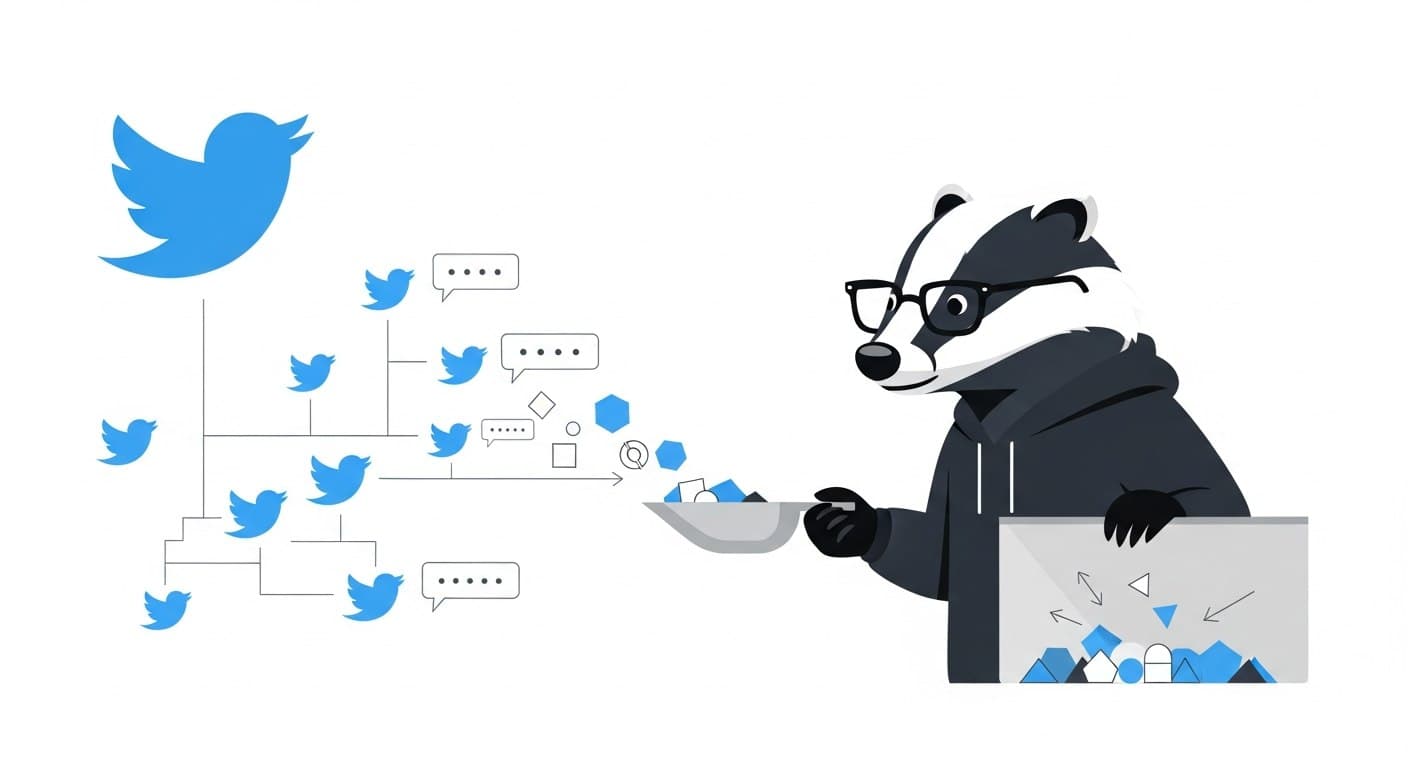
Most Twitter lead generation advice is about posting better content and hoping the right people find you. That's backwards. The signal is already out there — people tweeting about their problems, asking for tool recommendations, complaining about competitors — and most teams aren't capturing any of it systematically.
This guide covers how to build an automated pipeline that finds those conversations the moment they happen, filters out the noise, and surfaces real buying signals without anyone doing manual searches.
Why Twitter Is Still Underrated for Prospecting
LinkedIn gets all the B2B credit, but Twitter has a few advantages that don't get enough attention. Decision-makers post publicly, conversations happen in real time, and the search infrastructure is actually usable if you know what you're doing. According to available data, 37.9% of X users are on the platform specifically to research products — that's not a passive audience.
The problem isn't that customers aren't on Twitter. The problem is that manual search doesn't scale. You search once, find three relevant posts from two weeks ago, and move on. The intent signal has already expired.
Automation fixes this. Instead of you going to Twitter, Twitter comes to you.
The Core Mechanic: Intent-Based Search Queries
Before touching any tooling, you need to nail the query. Everything downstream depends on this.
The idea is to filter for tweets that signal buying intent — someone expressing a pain point, asking for a recommendation, or complaining about an existing solution. These are warm leads. The person is already thinking about the problem your product solves.
Some patterns that actually work:
Query Pattern | What It Captures |
|---|---|
| Active product seekers |
| Buying-intent conversations |
| Dissatisfied competitor users |
| Explicit recommendation requests |
| Problem-aware prospects |
A few rules that apply to all of these: - Always add -is:retweet. Retweets are noise. You want original posts. - Add lang:en if you're English-only. Cuts volume significantly and improves relevance. - Use exact phrases with quotes for high-intent signals. Broad keywords return too much garbage.
Validate your query before going live. Eyeball the results manually for 10–15 minutes. If less than 20–30% of results look relevant, tighten the query before automating.
Setting Up Automated Monitoring with Filter Rules
Once you have a working query, you need a way to run it continuously without building a cron-and-scraper system from scratch.
ScrapeBadger's Filter Rules API is built for exactly this. You create a rule with a query, a polling interval, and a webhook URL. ScrapeBadger polls Twitter on your behalf and delivers matched tweets to your endpoint — deduplicated, structured, and continuous.
Step 1: Validate Your Query
Before spending any credits, test the syntax:
curl -X POST "https://scrapebadger.com/v1/twitter/stream/filter-rules/validate" \
  -H "x-api-key: YOUR_API_KEY" \
  -H "Content-Type: application/json" \
  -d '{
    "query": "\"looking for\" \"project management\" lang:en -is:retweet"
  }'
This confirms the query is syntactically valid before you start paying for polls.
Step 2: Create a Rule
curl -X POST "https://scrapebadger.com/v1/twitter/stream/filter-rules" \
  -H "x-api-key: YOUR_API_KEY" \
  -H "Content-Type: application/json" \
  -d '{
    "tag": "Customer Leads - PM Tools",
    "query": "\"looking for\" \"project management\" lang:en -is:retweet",
    "interval_seconds": 60,
    "webhook_url": "https://your-app.com/webhooks/leads"
  }'
That's it. The rule is now running. Every matched tweet gets pushed to your webhook as structured JSON — author, text, timestamp, engagement metrics. No scraping infrastructure, no cursor logic, no proxy management.
Step 3: Manage Your Rules
You can list, inspect, update, or delete rules at any time:
# List all active rules
curl "https://scrapebadger.com/v1/twitter/stream/filter-rules" \
  -H "x-api-key: YOUR_API_KEY"

# Update polling interval on a specific rule
curl -X PATCH "https://scrapebadger.com/v1/twitter/stream/filter-rules/{id}" \
  -H "x-api-key: YOUR_API_KEY" \
  -H "Content-Type: application/json" \
  -d '{"interval_seconds": 5}'
Rules have three lifecycle states: Active, Paused (manual), and Suspended (low credits). You can manage all of this through the API or dashboard.
Choosing the Right Polling Interval
Polling speed controls how quickly you see results and how many credits you spend. Here's the full breakdown:
Tier | Interval | Credits / Rule / Day |
|---|---|---|
Turbo | 0.5 seconds | 30,000 |
Fast | 5 seconds | 10,000 |
Standard | 60 seconds | 1,500 |
Relaxed | 10 minutes | 500 |
Daily | 24 hours | 100 |
For customer prospecting, the Fast (5s) or Standard (60s) tiers are the practical choice for most teams. Real-time doesn't matter much for lead gen — someone posting a buying intent tweet at 10am is still a valid lead at 10:01am. You don't need Turbo for this.
The right answer depends on your conversion model. If you're planning to reply to tweets manually and timing matters (e.g., before competitors notice the same signal), Fast makes sense. If you're routing leads into a CRM and reaching out via email or DM over the next few hours, Standard is more than sufficient.
Structuring Your Lead Capture Pipeline
Getting tweets into a webhook is the easy part. What you do with them determines whether this is actually useful.
A practical minimum pipeline looks like this:
Incoming webhook → filter layer → enrichment → CRM or Slack alert
The filter layer matters
Not every matched tweet is a genuine lead. Someone tweeting "I'm NOT looking for a project management tool, I need a vacation" will still match your query. Build a short filter step before anything hits your CRM:
Minimum account age (filter out brand-new accounts, common spam signal)
Minimum follower count or following ratio
Skip tweets with obvious spam patterns ("DM me for deals", excessive hashtags)
Skip tweets with no engagement from accounts with zero followers
You won't catch everything, but you'll cut noise by 40–60% with basic rules.
Route by signal strength
Not all leads are equal. A tweet from someone with 5,000 followers explicitly asking "does anyone know a good alternative to [competitor]?" is worth more than a 3-follower account mentioning a loosely related keyword.
Consider two routing paths: - High-signal leads → immediate Slack alert for manual review and response - Lower-signal leads → batch CRM import for async outreach
This keeps your team's attention on the highest-value opportunities without ignoring the rest.
Running Multiple Rules Simultaneously
You can run up to 50 rules per API key, which means you can monitor multiple customer segments without running separate jobs.
A practical setup for a B2B SaaS team might look like:
Rule Tag | Query | Interval |
|---|---|---|
Direct Intent |
| 5s |
Competitor Dissatisfied |
| 60s |
Category Hashtag |
| 60s |
Direct Question |
| 10min |
Each rule runs independently. High-intent signals get fast polling, broader category signals run at Standard to save credits. For a deeper look at how this kind of pipeline fits into broader monitoring infrastructure, see how to build a real-time Twitter monitoring pipeline.
What to Do with the Leads
Automation finds the signal. Humans still close it.
The most effective outreach from Twitter prospecting is public engagement first, DM second. Someone tweets "I need a CRM that doesn't cost a fortune" — reply to the tweet with something genuinely useful, not a sales pitch. If they engage, then DM. This approach works because you're entering a conversation they started, with context you already have.
A few things that improve response rates: - Reference the specific tweet. It proves you're not a bot. - Lead with a useful answer, not a product link. - DMs should be short. Nobody is reading three paragraphs from an account they don't follow. - Space out your outreach. Ten DMs in one hour from the same account looks like spam regardless of how good the message is.
The automated pipeline handles discovery at scale. The human judgment layer handles what to actually say.
Common Failure Modes
Over-broad queries. Running "marketing" lang:en -is:retweet will flood your pipeline with irrelevant content. Start narrow and expand if you're not getting enough volume — not the other way around.
Ignoring false positives. If you're not reviewing a random sample of your incoming leads weekly, you won't notice when query quality degrades. Audit regularly.
No deduplication across rules. If two rules can match the same tweet, you'll process it twice. The Filter Rules API handles deduplication within a single rule, but if you're routing results from multiple rules to the same CRM, deduplicate on tweet ID before writing.
Automating outreach without a warm-up. Sending 100 automated DMs from a fresh account is a good way to get suspended. The data collection can be fully automated. The outreach should still have human judgment involved, especially at the start.
FAQ
How is this different from just using Twitter's built-in search?
Manual Twitter search is a one-time snapshot. The moment you close the tab, you stop seeing new results. Filter rules run continuously — matched tweets are delivered to you as they happen, with no manual work required. You're also not limited to one search at a time.
What's the difference between Filter Rules and just scraping keyword searches on a schedule?
Scheduled scraping gives you batches of results at a fixed time. Filter rules give you continuous, near-real-time delivery with deduplication built in. You also get structured JSON rather than raw HTML, which makes downstream processing much simpler. For teams that have looked at the scraping approach before, how startups use Twitter monitoring for lead generation covers how this fits into a practical sales workflow.
How many rules do I need to get started?
Start with one or two. One high-intent rule (explicit buying signal), one broader category rule. Validate that the signal quality is worth acting on before you scale up. Adding more rules before you've validated the first ones is just noise management at a larger scale.
Is this useful for B2C, or mostly B2B?
Both, but the query patterns differ. B2B leads tend to come from explicit tool/recommendation searches. B2C leads often come from hashtag monitoring, product category mentions, and complaint patterns. The pipeline is the same — the query design changes.
What happens if my webhook endpoint goes down?
This is worth handling explicitly. If your endpoint returns non-2xx responses consistently, your rule may pause. Build a simple retry handler on your webhook receiver and monitor for delivery failures. If you're building something more resilient, a queue-based architecture (webhook → queue → processor) is more reliable than a direct handler.
Can I use this to monitor competitor mentions alongside lead gen?
Yes, and this is one of the more valuable combinations. Running a rule for competitor dissatisfaction signals alongside your direct intent rules means you're capturing both proactive demand and reactive opportunity. Keep them as separate rules with different tags so you can route them differently downstream.
How do I avoid getting my Twitter account flagged when reaching out?
The data collection is API-based and doesn't involve any account activity. Flagging risk comes from the outreach side, not the monitoring side. On outreach: keep volume reasonable, space messages out, engage publicly before going to DMs, and make sure messages are clearly non-automated in tone.

Written by
Thomas Shultz
Thomas Shultz is the Head of Data at ScrapeBadger, working on public web data, scraping infrastructure, and data reliability. He writes about real-world scraping, data pipelines, and turning unstructured web data into usable signals. ScrapeBadger is a web scraping API platform specialising in Twitter/X, Reddit and Google data, with dedicated scrapers also covering TikTok, YouTube, LinkedIn, Amazon, eBay, Zillow and 40+ more: with built-in anti-bot bypass and an MCP server for AI agents.
Ready to get started?
Join thousands of developers using ScrapeBadger for their data needs.